Last updated - June 10, 2026
Free WordPress Blog Themes are essential for creating a seamless user experience for your readers or viewers. Why though?
WordPress is one of the most commonly used content management systems, and it powers almost 42% of all websites that exist in the world. Part of creating a website is designing and developing the theme. The visuals of a website are the most important aspect for success and visibility. The largest amount of web traffic is generated by 62-63% by mobile devices. So a more important need is responsive, fast-loading themes as well. Now, designing a website from scratch can seem like a hassle, but there are several themes that you can use to optimize for speed and SEO.
Today, we’ll look into the best 20+ Free WordPress Themes for Blogs in 2026.
But before we look into that, let’s first understand what a good WordPress Blog Them is.
What Makes a Good WordPress Blog Theme?
A great blog theme balances speed, SEO, and design flexibility. Several WordPress and WooCommerce themes exist for you to choose from. The following are a few key aspects that make a blog theme good for WordPress:
- Performance & Speed: According to research, 57% of visitors leave if a page takes more than 3 seconds to load. So for achieving quick loads, improved bounce rates, and better SEO, your website needs a well-coded theme. You can further boost your website’s performance by using a caching plugin and image optimization tools.
- SEO-Friendliness: Having an SEO friendly theme is essential for your website. To achieve this, the theme should use clean, semantic HTML and should also include features such as schema markup.
For example, Astra boasts a mobile-first design and a built-in schema for SEO. These help search engines index content effectively.
- Responsive & Mobile-First Design: Since mobile usage has increased exponentially, the theme must look and work well on all devices. It should adapt to different layouts and be easy to navigate. Ensuring readability and usability on devices like phones and tablets ensures that viewers keep returning.
- Customization & Flexibility: A blog theme should allow easy customization of fonts, colors, layouts, and header designs. Compatibility with page builders or the block editor is a plus. Some themes offer drag-and-drop header/footer builders and a library of starter templates.
- Plugin Compatibility: Make sure the theme supports common plugins such as SEO plugins, caching, security, page builders, and e-commerce. The topmost themes usually integrate smoothly with WooCommerce for blogs that sell products.
- Regular Updates & Support: Popular themes often have active development and support communities. Frequent updates ensure compatibility with the latest WordPress versions and better security. Ensure to check for active install counts and update frequency when choosing a theme.
Now that we’ve understood what makes a good theme for WordPress. Let’s explore what the Best 20+ Free WordPress Themes for Blogs are!
Best 20+ Free WordPress Themes for Blogs
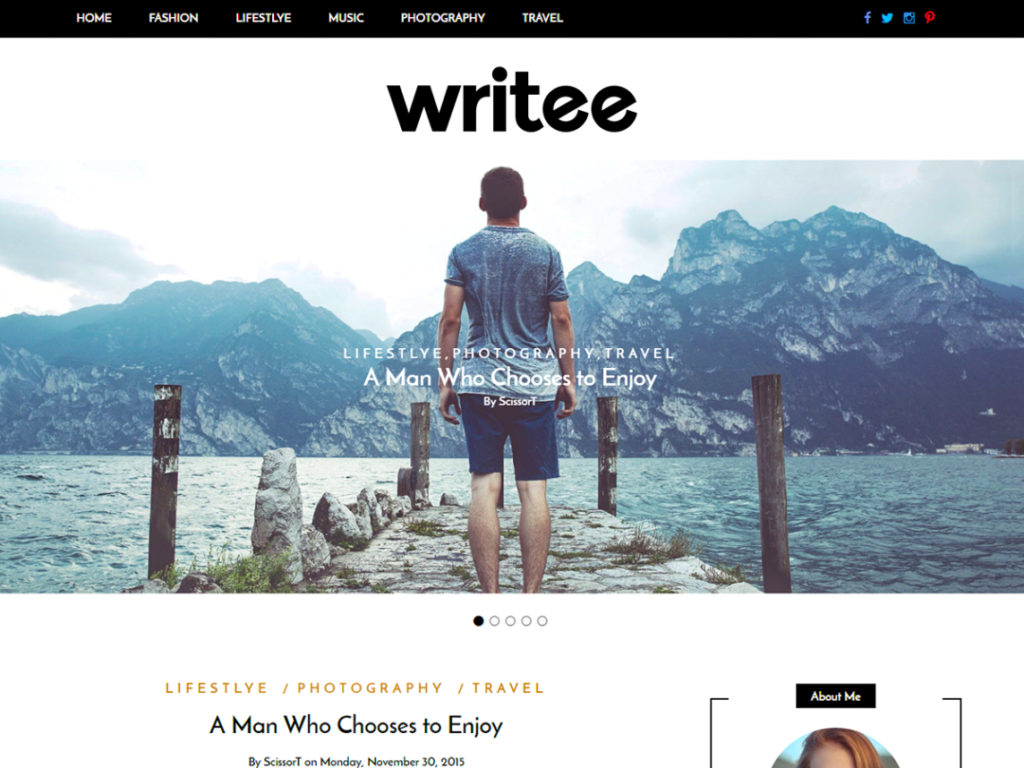
1. Writee

Writee is focused on clean, content-centric blog design. It’s fully responsive and optimized for various blog types such as travel, lifestyle, or food. Writee offers a featured posts slider and supports custom widgets as well. Its performance is good due to its simplicity. Writee is relatively lightweight and should load quickly on a good host. It includes SEO-friendly code and supports schema markup through plugins, so it would work well for search visibility.
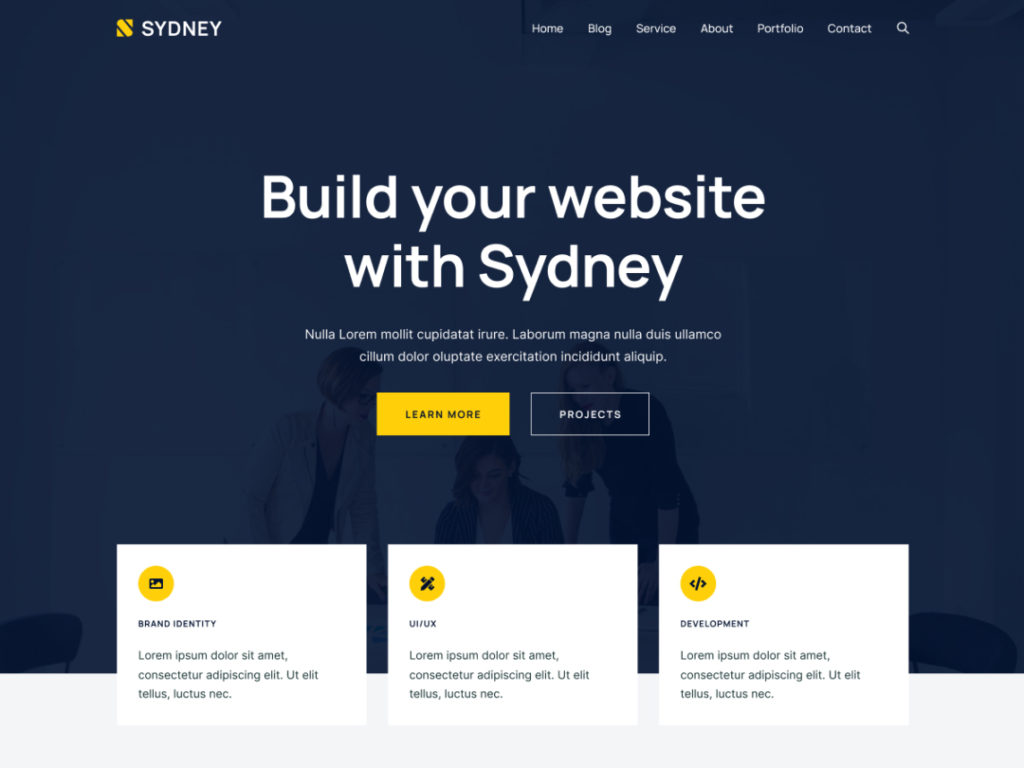
2. Sydney

Sydney is a free theme that usually leans toward business sites, but is also quite popular for blogs, too. It offers full color control, Google Fonts, and layout options. The theme includes a full-screen slider and parallax effects. It’s fully responsive and RTL(Right-to-Left)-ready. Sydney is well-coded for performance, and with a few optimizations, it loads quite quickly. It’s structured for SEO and works smoothly with SEO plugins. However, adding a caching plugin would allow you to ensure that your site works at top speed.
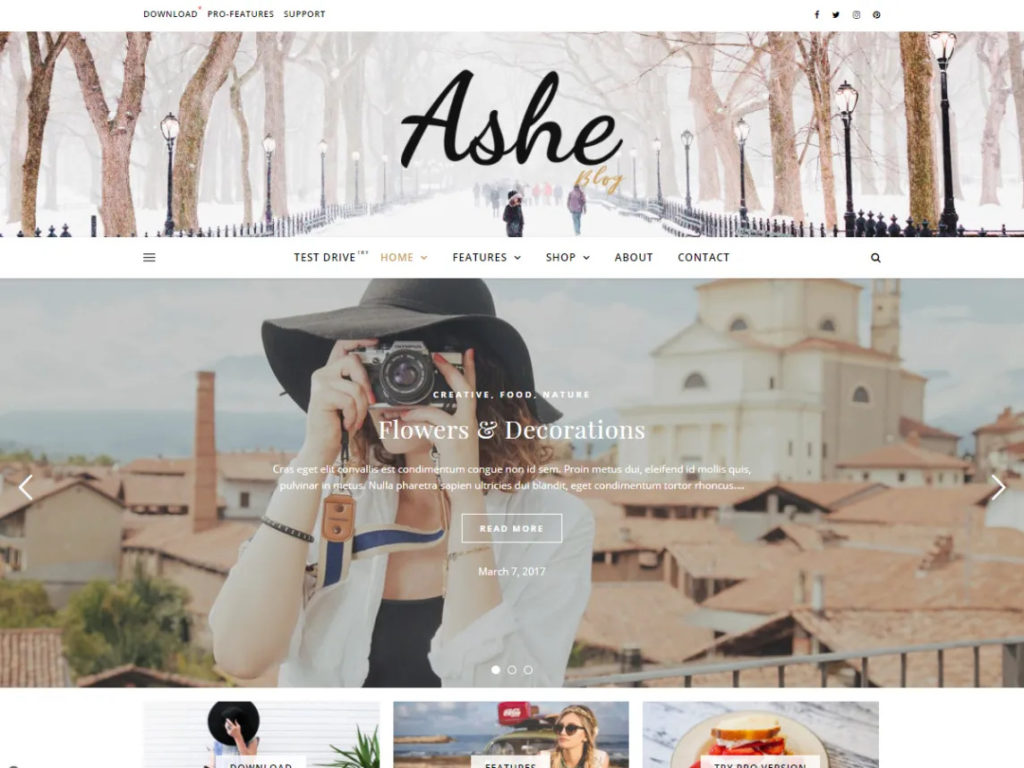
3. Ashe

Ashe is a minimal, elegant theme for personal and lifestyle blogs. It’s liked because of its simple design, which consists of a simple header, a featured slider, and WooCommerce support. The design is clean with ample white space. Due to the minimal design, the page size is quite small. What this means is that your website will have a faster load time. It’s also SEO-friendly, but using a cache plugin is recommended.
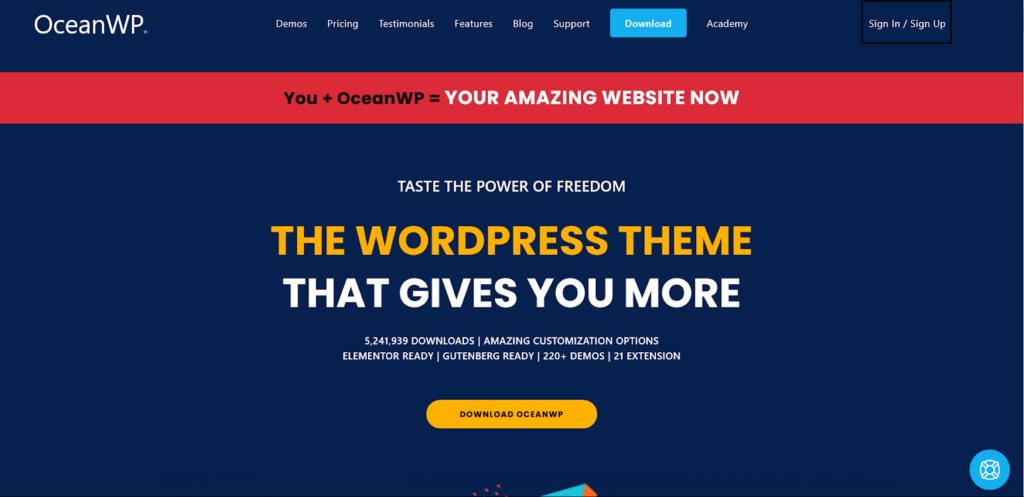
4. OceanWP

OceanWP is a popular multipurpose theme. It’s used by bloggers and e-commerce websites as well. This is because of how easily customizable it is, along with its multiple demo options. It’s built with support for WooCommerce and page builders, making it a popular choice, along with its lightweight nature and speed optimization.
OceanWP is very fast and built with SEO best practices. With its core extensions, you can enable more features, but the base theme is already optimized. It’s responsive and schema-ready.
5. Hemingway

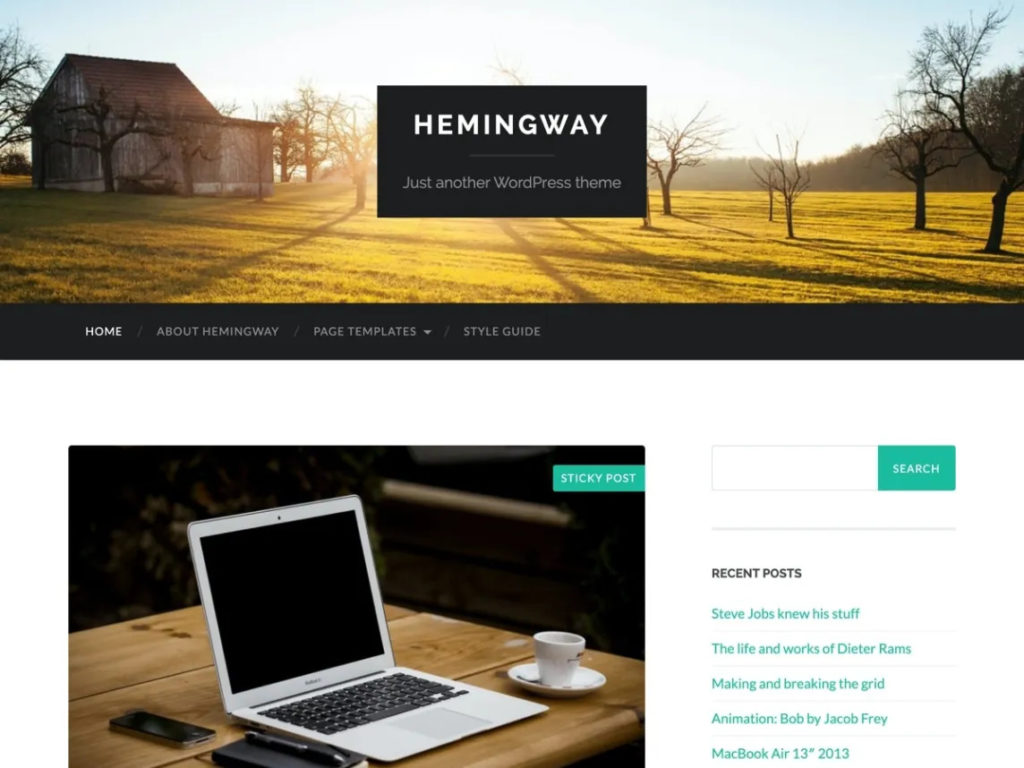
Hemingway offers a clean two-column layout with a responsive design. It features a full-width header image and crisp typography. Good for content-focused blogs like travel, personal, or even photography. Hemingway is extremely fast due to its simple design. It’s SEO-friendly and is well-maintained with updates for performance.
6. Spectra One

Spectra One is a modern block-based WordPress theme that has been developed specifically for the Gutenberg editor (the default block-based content editor for WordPress). It ranks high amongst the various WordPress blog themes because it offers clean layouts, excellent typography, and lightweight performance. These features make it ideal for bloggers who want a completely native WordPress editing experience. The theme is extremely customizable yet does not rely heavily on page builders, which helps with the maintenance of fast loading speeds and better performance.
7. Hestia

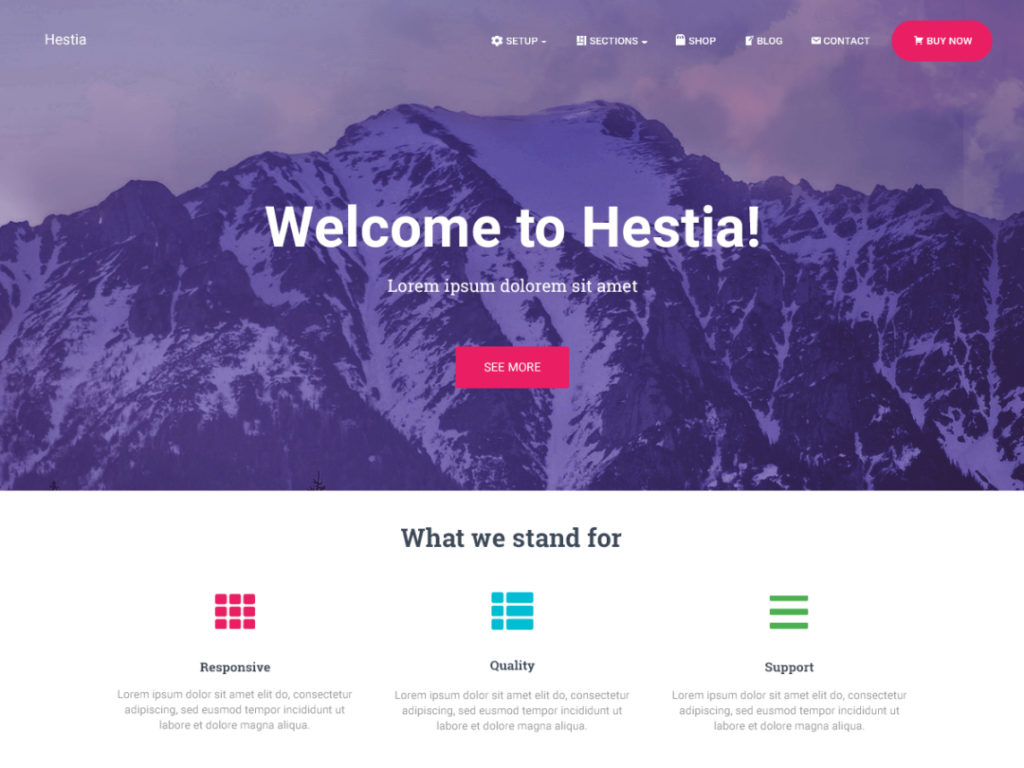
Hestia has several versions, but the free version is a stylish one-page theme. It is often used by startups and bloggers because of its sleek and modern look. Its clean design makes it a huge hit! It is also WooCommerce-ready, which makes it famous. The advantages of Hestia’s minimal layout are that it ensures faster loading times. It also ensures that your site is visible to Google and friendly to mobile users.
8. ColorMag

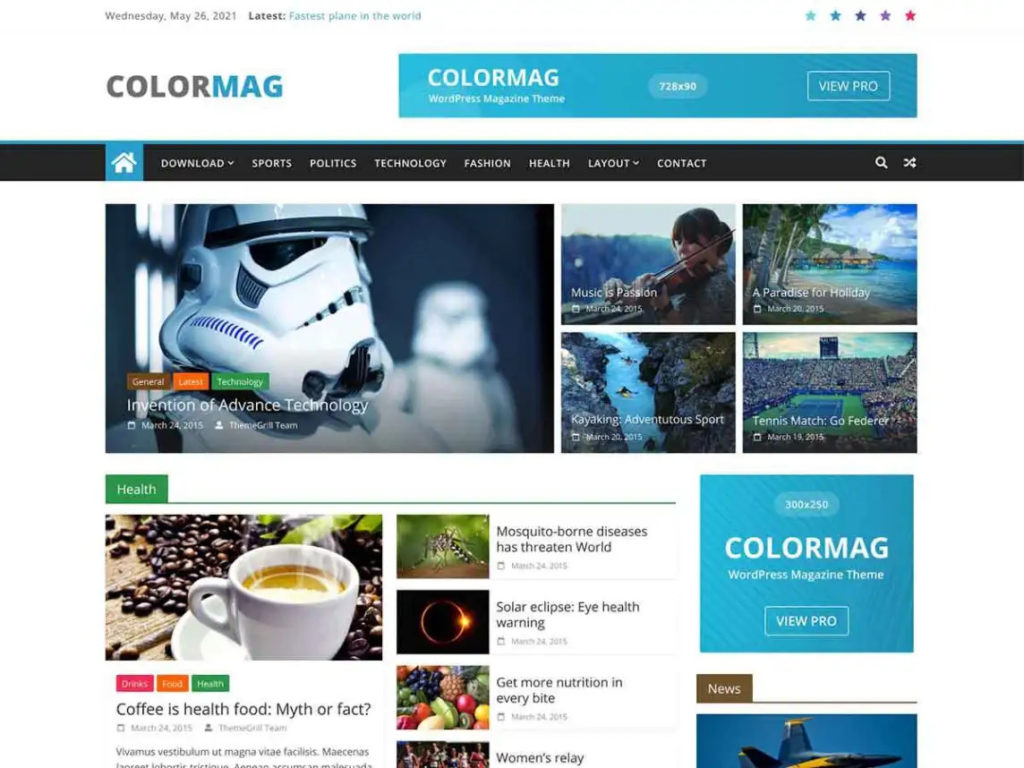
ColorMag is a free magazine-style theme that is great for news and editorial blogs. It consists of widgetized sections for posts and offers multiple colour options. Even though its layout is magazine-based, ColorMag is optimized for speed. Due to its regular updates for performance and schema markup, it’s optimized well. It delivers quick load times for readers with proper caching and optimization.
9. Blossom Feminine

Blossong Feminine is a quite popular WordPress theme for blogs. It was designed mainly for fashion, beauty, lifestyle, and personal blogs. It combines elegant typography with modern layouts and strong social media integration. The theme is optimized for mobile responsiveness and monetization opportunities like affiliate marketing and email subscriptions as well.
10. Phlox

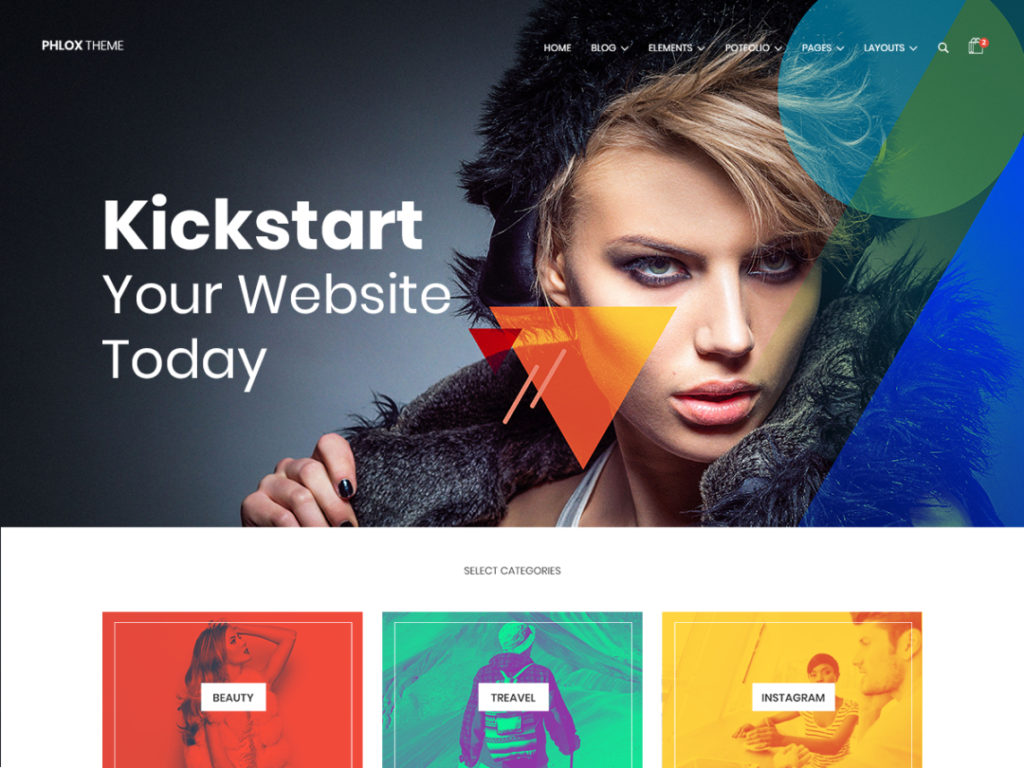
Phlox has both a free and a premium version as well. Now, what makes it feasible is how versatile the theme is. It offers many free demos. The blog demo has a contemporary design and supports the Elementor page builder. Phlox is optimized for performance, especially since its free version is lightweight, and its demos load fast. The code is built to standards, so it’s SEO-ready. If you add the Elementor plugin, it still runs smoothly,y but we recommend caching for faster speed.
11. Mesmerize

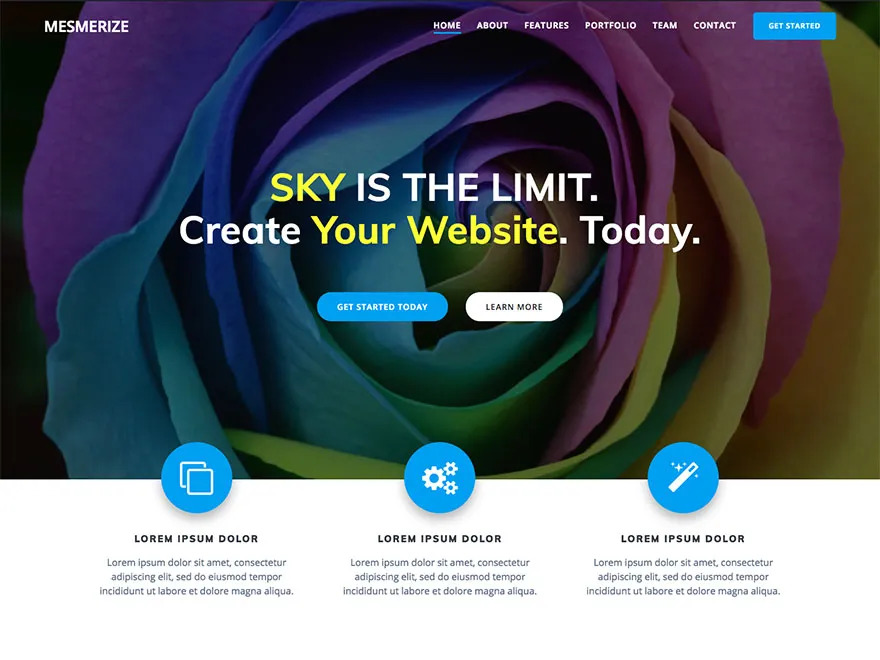
As the word suggests, Mesmerize is a versatile theme that has a drag-and-drop homepage builder, which makes it easy to use. The mobile-friendly nature of the theme, along with its various header designs, makes it one of the best choices for business owners or professionals. The base theme is very lean, which makes it easier and quicker to load. The theme’s structure also supports schema markup, which helps with improving SEO.
12. Author

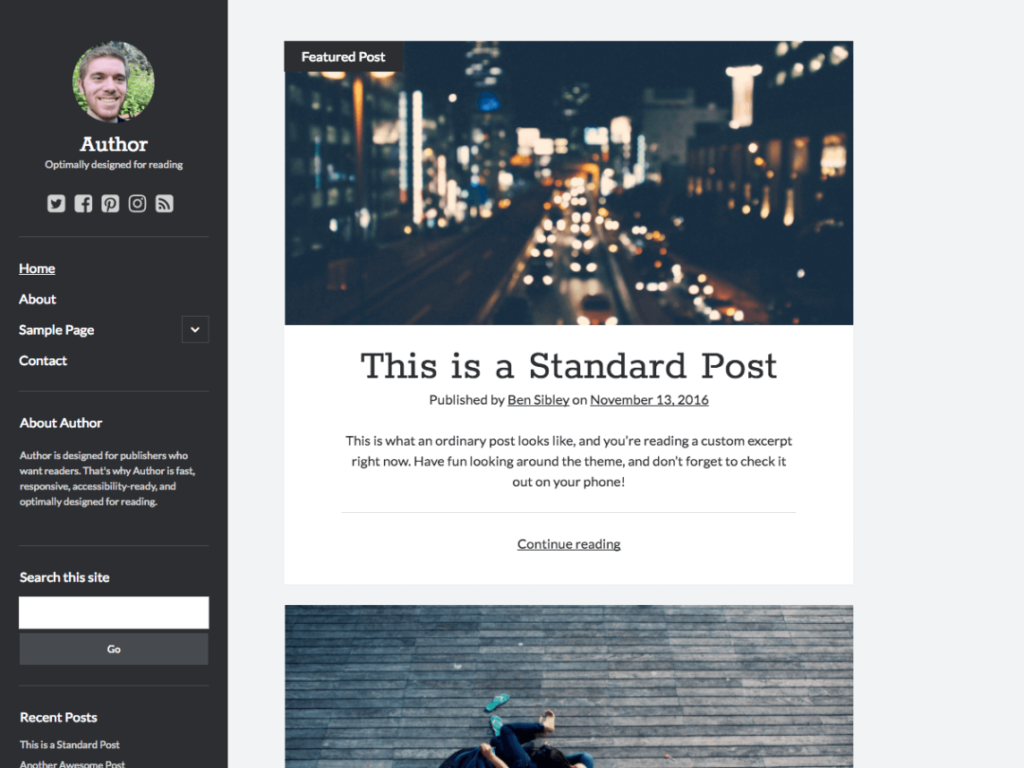
Author is a free theme that has a minimal design and clean typography. The focus is on readability and skimmability. It supports a customizable header. Due to the minimal nature of the design, websites with the Author theme load very fast. It also has built-in SEO practices like HTML5 and proper headings. This makes it a good choice for authors who want a simple yet effective blog theme.
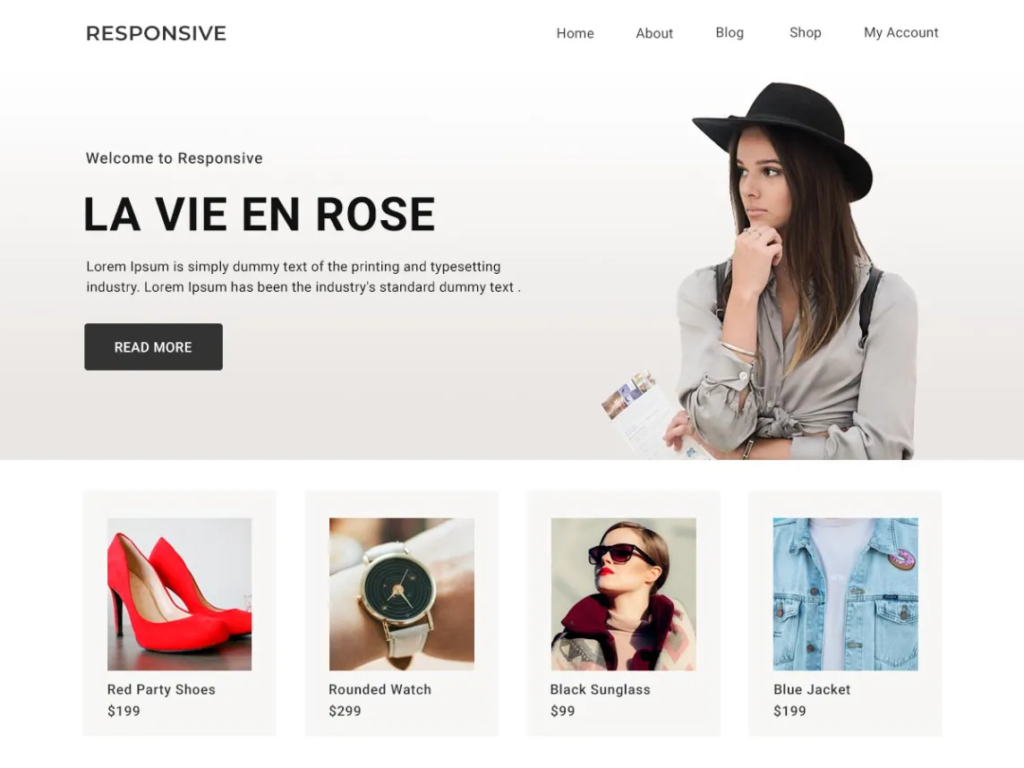
13. Responsive

Responsive is a basic, all-purpose theme that is very light and fast. It has multiple page layouts and a widgetized sidebar. Responsive is designed to adapt to any device. It’s extremely lightweight, so page loads are quick, and the code is clean for SEO. If needed, you can easily add SEO plugins for enhancements.
14. Inspiro

Inspiro is a visually focused WordPress theme that is suitable for travel bloggers, photographers, and creators who rely heavily on images and videos. It includes fullscreen media support and modern content layouts while maintaining responsive performance across devices. The theme is also built with SEO-friendly code and optimized for speed. This helps with improving search visibility while delivering a smooth user experience on both desktop and mobile devices.
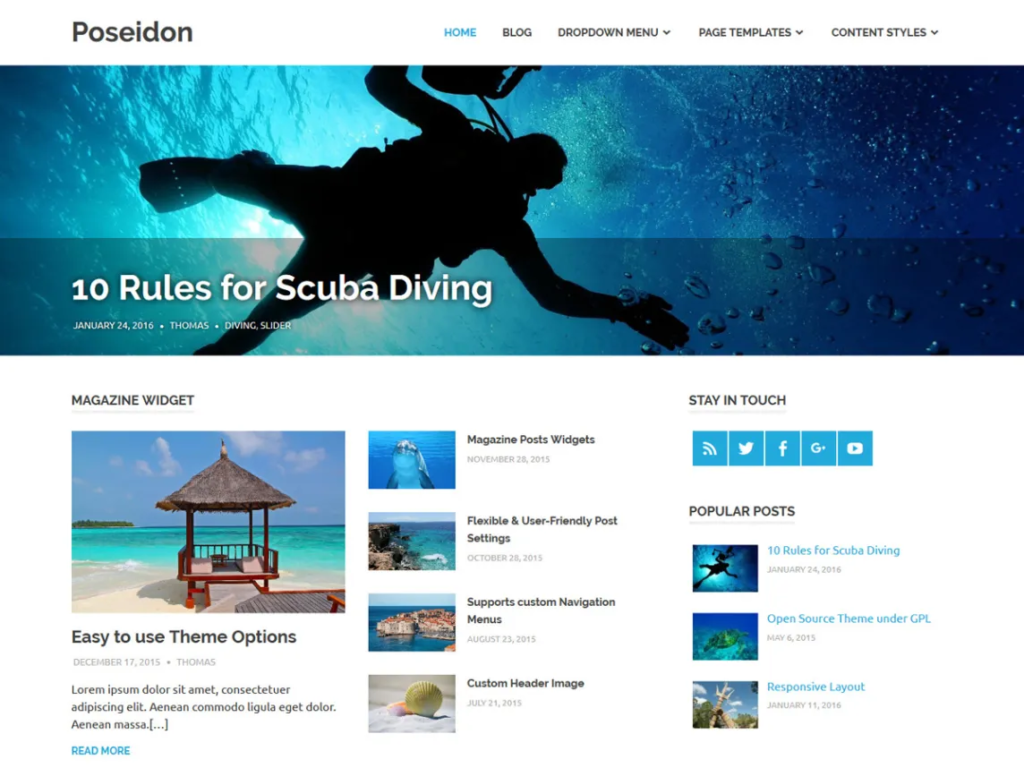
15. Poseidon

Poseidon features a wide layout with large featured images, great for personal or photo blogs. It has a simple design and multiple widget areas. Poseidon is coded for speed with lightweight scripts. Its straightforward layout loads quickly and is optimized for SEO.
16. Raft

Raft is a lightweight WordPress theme for blogs. It is quite lightweight and was designed for startups, personal blogs, and minimalist websites. Its clean interface and fast-loading architecture make it a strong choice for bloggers focused on readability, speed, and SEO. Raft also works seamlessly with Gutenberg and popular page builders.
17. Hueman

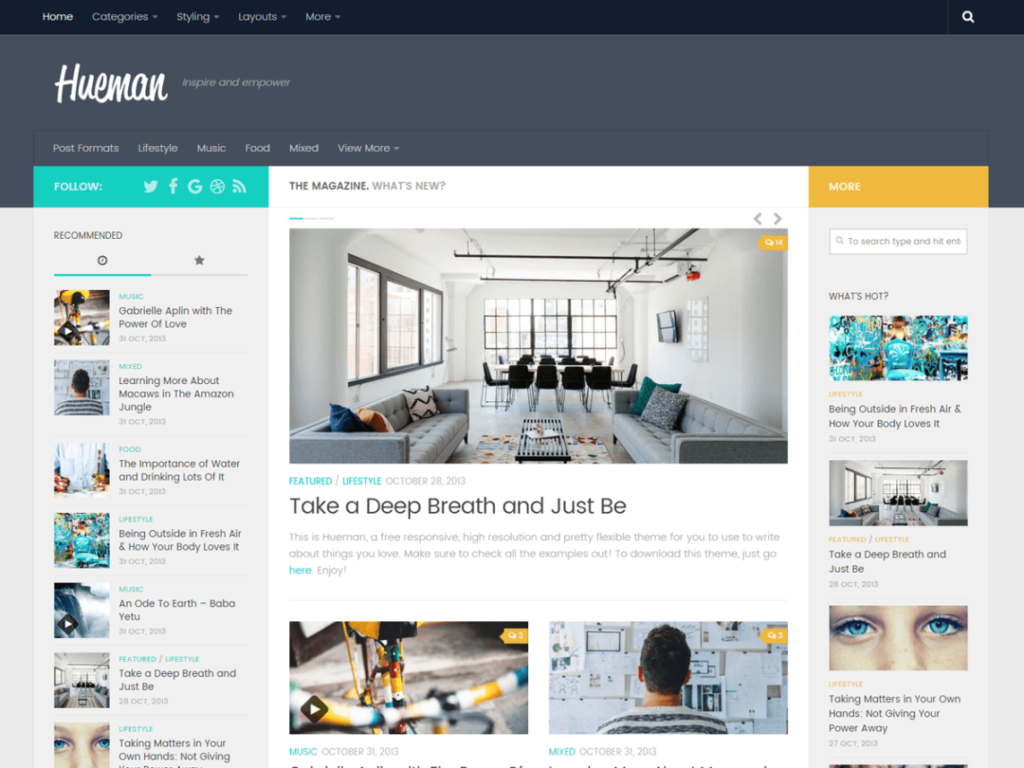
Hueman is a magazine theme with a two-column layout and a lot of widget areas. It’s often used by content-rich blogs and news sites. Hueman is optimized for performance, with a fast mobile view. It includes SEO-friendly features like schema markup and semantic markup. However, caching is still suggested for heavy pages.
18. Astra

The next one is Astra, which is one of the best WordPress themes for blogs. It is one of the most popular free themes with over a million active installs. It’s known for its lightweight performance and flexibility.
Astra is fully customizable via the WordPress Customizer, which offers many layout and design options. It’s mobile-responsive and optimized for SEO, with built-in schema markup and clean code. You can easily integrate page builders or WooCommerce. Its lightweight code and built-in SEO optimizations make it lightning-fast and search-friendly.
19. GeneratePress

GeneratePress focuses on performance first. The free core theme adds just 7.5KB to your pages, with only 2 HTTP requests. This helps you achieve 100% PageSpeed scores. This theme uses clean, minimal code and works great with Gutenberg and all major plugins. The Customizer settings allow layout, color, and typography tweaks. It’s also fully responsive. GeneratePress is extremely fast and SEO-friendly as well.
20. Kadence

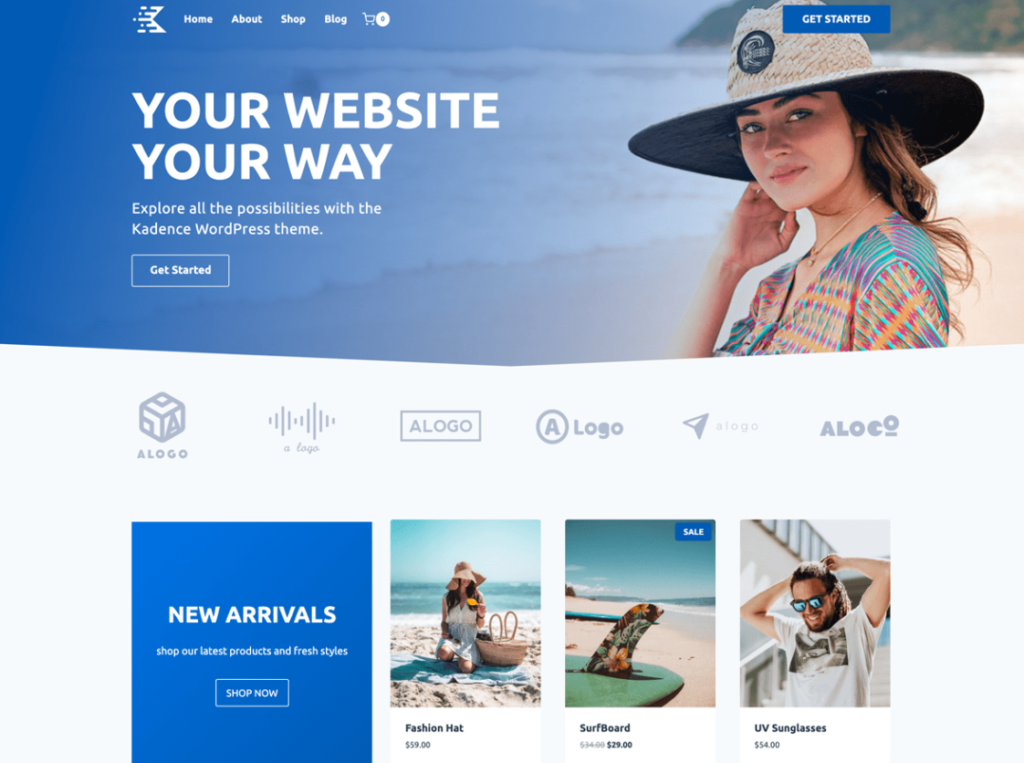
Kadence is one of the best WordPress themes for blogs. This is because it’s lightweight and feature-rich, which makes it ideal for blogs and online stores. It includes a drag-and-drop header and footer builder and a large library of free starter templates. Kadence emphasizes accessibility and performance, with global typography and color controls. It’s optimized for WooCommerce and works seamlessly with Gutenberg.
Kadence’s code is optimized for fast loading. Its built-in SEO options (like schema support in the Pro version) mean your content is visible to search engines. In tests, Kadence sites often load in under 0.7 seconds on fast hosting.
21. Neve

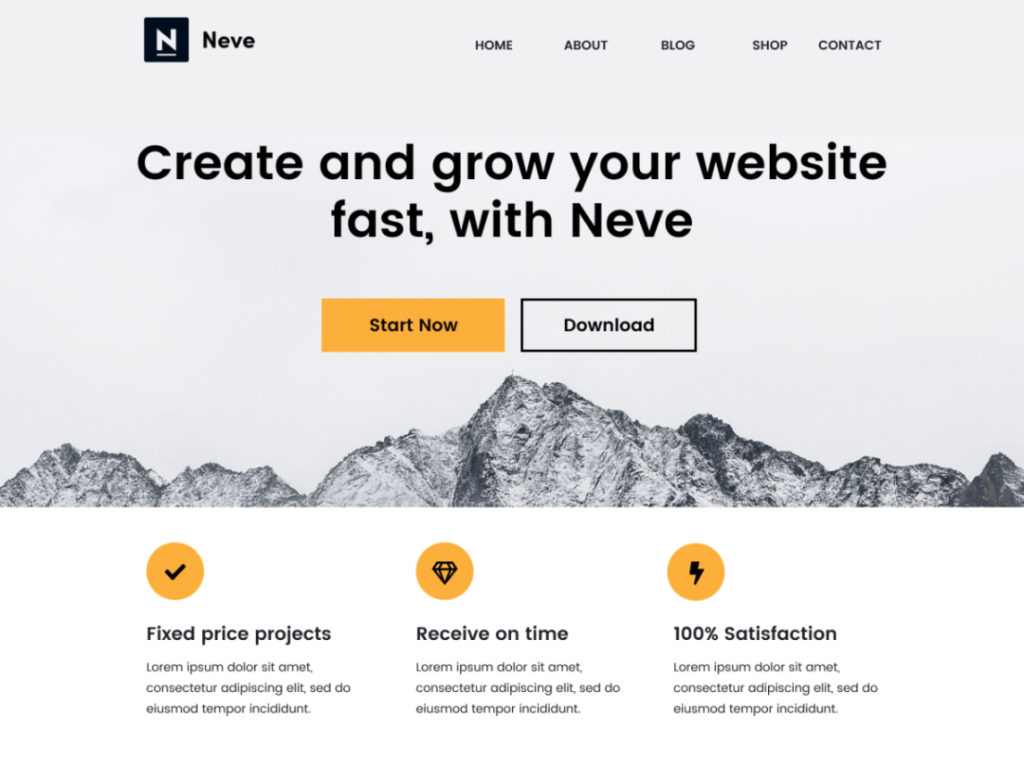
Neve is an ultra-fast WordPress theme designed for performance. Its code is very lightweight. Neve is fully AMP-compatible (mobile-friendly), which can boost mobile speed and SEO. It offers many header/footer layout choices and works with popular page builders. Neve’s design is modern and clean, with quick demos for blogs and business sites.
Since it was built for Core Web Vitals, Neve scores extremely well in speed tests. This means that it’s SEO-optimized by default, which ensures clean markup and fast rendering.
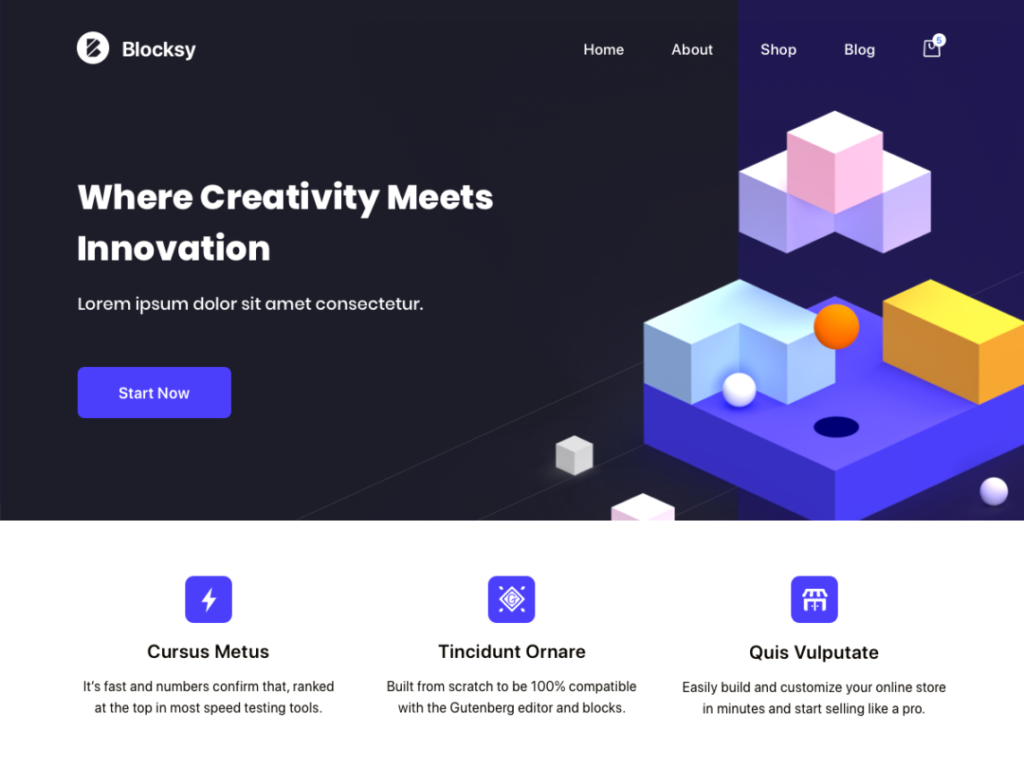
22. Blocksy

Blocksy is a modern theme built on a fast foundation. It’s compatible with the Gutenberg block editor and offers deep customization in terms of colors, fonts, and layout. Blocksy comes with features like sticky headers, sidebar manager, and WooCommerce integration. It’s highly performant and developer-friendly. Blocksy’s architecture is designed for speed. In practice, it delivers very good loading times, and its built-in SEO options help ensure your blog content ranks well.
Now that we’ve taken a look at what the best WordPress blog themes are, the question arises: how do we choose the right one?
How to Choose the Right Theme
It can seem quite daunting to choose between multiple themes. However, it is important to make the decision based on the specific needs of your business or brand. Consider the following aspects while choosing the right WordPress blog themes:
- Performance vs. Features: Decide if you prefer maximum speed or built-in design features. For faster load times, test themes with a tool or check their install size.
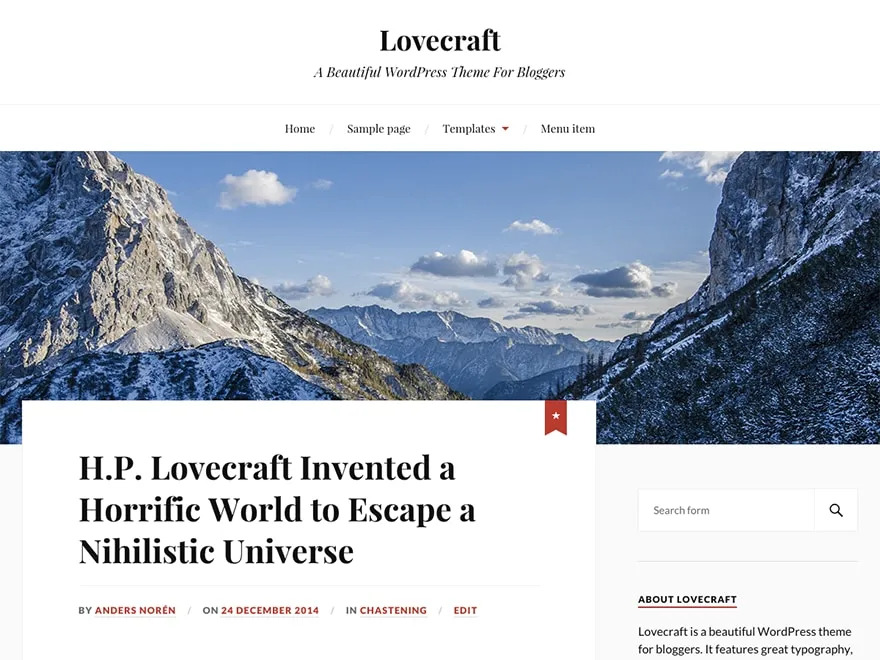
- Content Layout: Choose a theme that suits your blog type. For example, magazine/news blogs may like ColorMag or Hueman, while personal blogs might prefer minimalistic themes like Lovecraft or Hemingway.
- Customization Needs: If you want to heavily customize without code, ensure the theme supports the WordPress Customizer or a page builder. Kadence and Astra, for instance, integrate well with block editors.
- Mobile & Responsive Design: Always view the theme demo on mobile to ensure it looks good. Google’s mobile-first index means mobile usability is vital.
- Plugin & WooCommerce Support: If you plan to sell products or add complex features, choose a theme known to work well with WooCommerce. Themes like Astra, OceanWP, and Kadence have dedicated WooCommerce support.
- Support & Updates: Check how often the theme is updated and how large its user base is. A theme with active community support, such as forums and documentation, can save you trouble.
- Personal Taste: Finally, consider the visual style. A blog theme should match your branding and content aesthetic. Many themes offer color and font options to fit your look.
By comparing the features above, it’ll become easier to narrow down to a few candidates. Then test them live. Always try to measure your site speed with tools such as Google PageSpeed Insights after activating a theme. This way, you’ll be able to iterate on the theme and choose the best one according to your needs.
Conclusion
Choosing a free WordPress blog theme for 2026 involves balancing speed, SEO features, and design. Our list of free WordPress Blog themes gives you many great options. Astra, GeneratePress, Kadence, Neve, and Blocksy stand out for their performance and flexibility. All the listed themes are responsive and SEO-friendly. Remember to optimize your site further with caching and image optimization, and to test any theme’s speed. By searching through different themes, you’ll surely find a theme that keeps your blog visually appealing and search-ready.
FAQS
What is the best free WordPress theme for bloggers?
The best free WordPress blog theme depends on your needs. You should try to test a few themes to see which fits your style and performs well.
Do I need a premium theme, or is a free one enough?
Many free themes are quite powerful. Premium themes often add advanced features or extra support, but are not mandatory.
How do I ensure my theme is fast and SEO-friendly?
Choose a theme that is known for its speed or called lightweight, like GeneratePress or Astra. Use performance best practices: enable caching, optimize images, and minify assets. For SEO, ensure the theme has clean code and can integrate SEO plugins.
Are free themes secure to use?
Free WordPress blog themes from trusted sources, such as the WordPress repository or trusted developers, are regularly updated and generally secure. Always keep themes and plugins updated. Check reviews and update history, because a theme that is updated in the last 6-12 months is a good sign. Use security plugins as an extra measure.
Can I switch themes later without losing content?
Yes. WordPress content, like posts, pages, and media, is separate from themes. If your content uses built-in features, it will remain intact when you switch themes. Always preview a new theme and back up your site before major changes.
How many themes can I install on my WordPress site?
You can install unlimited themes, but only activate one theme at a time. Inactive themes take up space but don’t affect your site’s function. It’s always a good idea to remove unused themes to keep your site lean and secure.