You have spent weeks on the Black Friday campaign. The segments are built, the creative is approved, the discount codes are generated. On the Friday morning you push send to a list five times larger than your usual weekly newsletter — and a chunk of it never arrives.
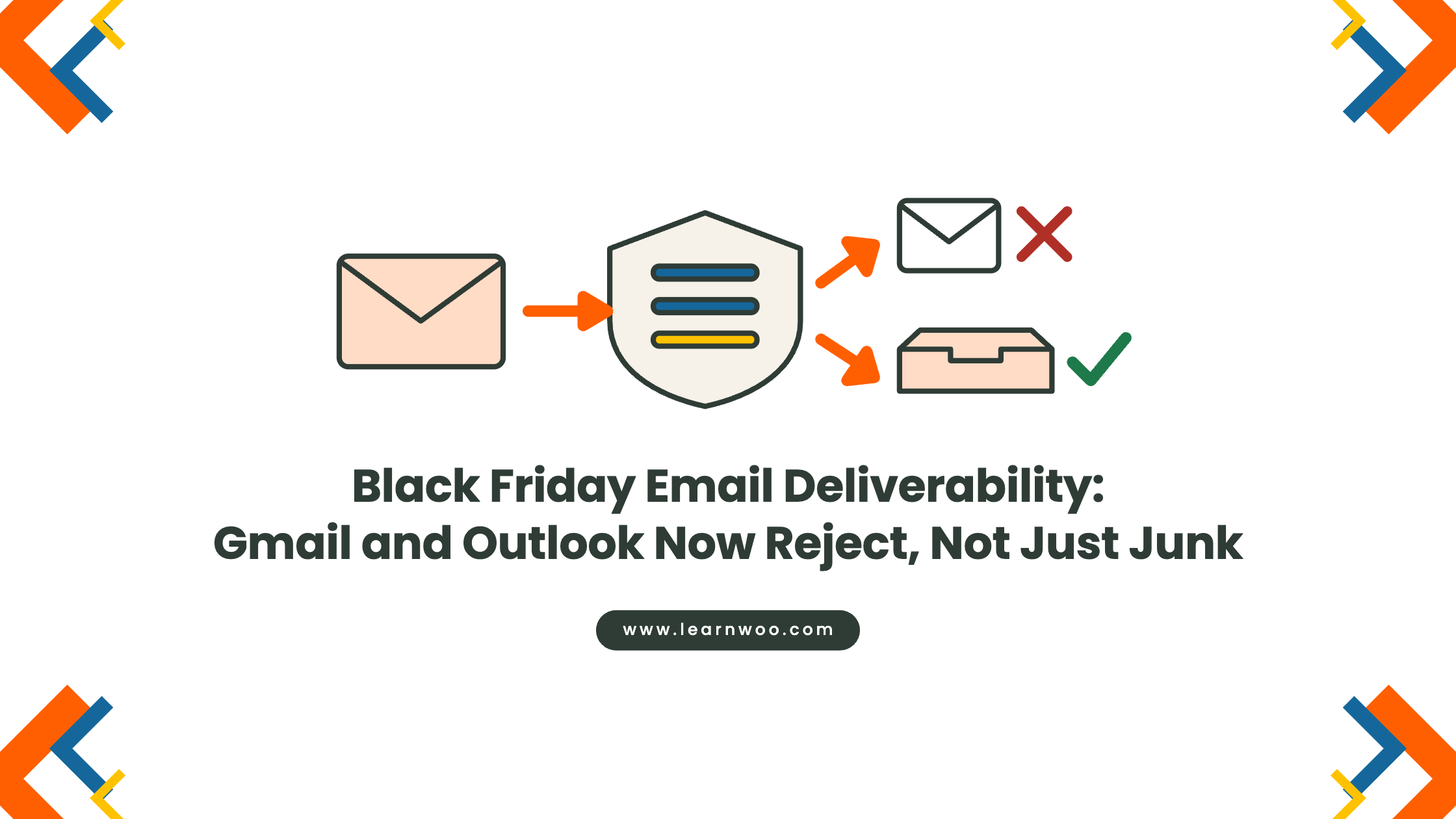
Not “lands in Promotions”. Not “goes to spam”. Rejected at the door, with an SMTP error your email platform quietly logs and you never read.
That outcome got meaningfully more likely over the last eighteen months, and most store owners have not noticed — the rules that changed were published as developer documentation rather than as an announcement aimed at merchants. Here is what changed, why the peak-season send is the moment it bites, and what to check before your first campaign goes out.
The quick answer
Gmail, Yahoo and Outlook now require SPF, DKIM and DMARC with domain alignment for bulk senders, plus RFC 8058 one-click unsubscribe on marketing mail. Outlook has been rejecting non-compliant high-volume mail outright since 2025, and Google states that from November 2025 it is “ramping up its enforcement on non-compliant traffic”, including “temporary and permanent rejections”. Separately, Gmail’s spam-rate limit of 0.30% is calculated daily — so a single bad Black Friday send can blow it, and you need seven consecutive days under the line to recover. Check your authentication and your Postmaster Tools spam rate now, not on the day.
What actually changed
The February 2024 Gmail and Yahoo sender requirements were widely covered at the time, and a lot of stores did the minimum — added an SPF record, turned on DKIM at their email platform — and moved on. Two things have happened since that make that minimum insufficient.
Microsoft moved from filtering to rejecting. In April 2025 Microsoft published requirements for domains sending more than 5,000 emails per day to its consumer domains — outlook.com, hotmail.com and live.com. The original plan was to route non-compliant mail to the Junk folder. An update to that same article on 29 April 2025 changed the decision: Microsoft said it would “reject messages that don’t pass the required authentication requirements”, returning 550 5.7.515 Access denied, sending domain [SendingDomain] does not meet the required authentication level. The article also notes that a recipient’s Safe Sender list will not override this.
Google escalated too. The Gmail sender guidelines FAQ now opens with a notice that “Starting November 2025, Gmail is ramping up its enforcement on non-compliant traffic. Messages that fail to meet the email sender requirements will experience disruptions, including temporary and permanent rejections.” Google has also added a Compliance status dashboard to Postmaster Tools so senders can see where they stand against each requirement.
The practical shift is this: for several years the penalty for sloppy authentication was worse inbox placement. It is now, at least some of the time, a bounce.
The requirements, side by side
The three major consumer mailbox providers broadly agree, but not exactly. The differences matter if you are troubleshooting one provider and not another.
| Requirement | Gmail | Yahoo | Outlook (consumer) |
|---|---|---|---|
| Applies above | ~5,000/day to personal Gmail | Not published | 5,000/day |
| Authentication | SPF + DKIM + DMARC | SPF + DKIM + DMARC | SPF + DKIM + DMARC |
| Minimum DMARC policy | p=none |
p=none, must pass |
p=none |
| Alignment | From: domain aligned with SPF or DKIM | Same; relaxed alignment accepted | Same; both preferred |
| One-click unsubscribe | Required (RFC 8058) on marketing mail | RFC 8058 “highly recommended”; mailto accepted | Functional unsubscribe expected |
| Honour unsubscribes within | 48 hours | 2 days | Not specified |
| Spam-rate ceiling | Under 0.10%; never 0.30%+ | Under 0.30% | Not published |
Two details on that table are worth pulling out. Yahoo’s published best-practice page lists its bulk-sender requirements but does not state the daily volume at which they begin — so treat the Gmail and Outlook figure of roughly 5,000 a day as your planning number. And Yahoo notes that its spam rate is “calculated in our system based on mail delivered to the inbox”, which is not the same denominator Gmail uses, so the two numbers will not match.
Why Black Friday is the specific risk
Authentication is a one-time fix. What catches stores out at peak is arithmetic — three facts that are individually dull and collectively expensive.
Gmail’s spam rate is a daily figure. Google’s FAQ is explicit: “Spam rate is calculated daily.” It is not a rolling 30-day average that a good November smooths over. Black Friday is one day, and on that day you will send more mail, to colder segments, than on any other day of the year.
Recovery takes a week. Bulk senders whose user-reported spam rate exceeds 0.30% become ineligible for mitigation, and Google’s stated route back is that spam rates must remain below 0.30% for seven consecutive days. Count forward from Black Friday and that window runs through Cyber Monday and into the first week of December — the exact stretch in which you least want degraded delivery.
Bulk-sender status is permanent. This is the one almost nobody plans for. Google defines a bulk sender as anyone sending “close to 5,000 messages or more to personal Gmail accounts within a 24-hour period”, and then adds: “Senders who meet the above criteria at least once are permanently considered bulk senders.” A store that sends 900 emails a day for eleven months of the year, and 6,000 on Black Friday, is a bulk sender from that day onward — in January, in March, and for its order confirmations as much as its campaigns.
What to check before your first campaign
- Confirm alignment, not just existence. Plenty of stores have an SPF record and a DKIM key and still fail. The requirement is that the organizational domain in your visible
From:header matches the domain that passed SPF or DKIM. If your campaigns go out as you@yourstore.com but your platform signs them with its own domain, you are not aligned. - Publish a DMARC record if you have none. A missing record is a failed requirement in its own right.
v=DMARC1; p=none; rua=mailto:dmarc@yourstore.comis the minimum and is monitoring-only — it changes nothing about how your mail is handled, but it satisfies the requirement and starts the reports flowing. Our guide to setting up a custom email domain covers the DNS side if you are starting from scratch. - Open Postmaster Tools and look at the actual number. Add and verify your domain at Google Postmaster Tools, then check the new Compliance status dashboard and your current spam rate. Data takes time to accumulate, which is the reason to do this in early November rather than the week of the sale.
- Verify one-click unsubscribe is really there. The requirement is the RFC 8058 header pair —
List-Unsubscribe-Post: List-Unsubscribe=One-Clickalongside aList-Unsubscribeheader containing an HTTPS URL. Google is explicit that a link to a landing page does not comply, and neither does a body-only unsubscribe link. - Warm the volume instead of jumping to it. Google’s phrasing is that a low spam rate “helps senders be more resilient to occasional spikes in user feedback”. Mailing engaged segments in the three weeks before the sale, then working outward, builds that resilience — and surfaces your complaint rate on a day when a bad number is survivable.
The transactional exemption is narrower than you think
Here is the misunderstanding that does the most quiet damage. One-click unsubscribe is indeed required only for marketing and promotional messages, and transactional mail — password resets, order confirmations, shipping notifications — is excluded from that requirement. Many store owners read that as “our WooCommerce order emails are exempt from all of this”. They are not, for two reasons.
First, the exemption is only from the unsubscribe requirement. Authentication, alignment, valid reverse DNS and RFC-compliant formatting apply to every message you send, transactional included. An unaligned order confirmation to an outlook.com address is exactly the mail Microsoft said it would reject.
Second, and less obviously: you do not get to decide what counts as transactional. Google’s FAQ puts it plainly — “Message recipients, not Google, determine the nature of the messages they receive.” A shipping notification with a 25%-off banner and three cross-sell products underneath it is a promotional email in the eyes of the person receiving it, and they can report it as spam. That complaint lands against your domain’s daily spam rate, which is the same number your order confirmations depend on.
WooCommerce-specific: check how your store actually sends mail
By default WooCommerce sends order emails through WordPress’s wp_mail(), which on most shared hosting falls through to PHP’s mail() — handed to the web server, from the web server’s IP, with no DKIM signature and usually no SPF relationship to your From: domain. That mail has always had mediocre delivery. What is new is that it can now be refused rather than filed in Junk. Routing WooCommerce email through an authenticated SMTP service or transactional provider is the fix; our walkthrough of setting up SMTP on WordPress covers the configuration.
Common mistakes
- Assuming a marketing subdomain dodges the threshold. Sending campaigns from news.yourstore.com to keep them separate from yourstore.com is sensible practice, but it does not keep you under the bulk-sender line. Google counts “all messages sent from the same primary domain”, and its own worked example adds 2,500 from a root domain to 2,500 from a subdomain to reach bulk status. Whether a subdomain meaningfully insulates your transactional reputation from your marketing reputation is a separate question, and Google’s public documentation does not answer it either way.
- Treating a high spam rate as a rejection risk. Being precise about cause and effect changes what you fix first. Gmail’s documented consequences for a high spam rate are graduated damage to inbox placement plus ineligibility for mitigation. The rejections and SMTP errors are tied to the hard requirements — failed authentication (5.7.26), a missing PTR record (4.7.23), failed SPF (4.7.27), a missing DMARC record (4.7.31). Authentication problems bounce mail; complaint problems bury it.
- Reactivating a cold list for the sale. Mailing addresses that have not heard from you in a year is the most reliable way to generate complaints on the one day the daily figure matters most.
- Never reading the bounce logs. A
550 5.7.515from Outlook or a5.7.26from Gmail is a precise diagnosis. Most platforms file these under a suppression or hard-bounce report that nobody opens.
Advanced notes and limitations
Forwarded mail breaks alignment, and that is expected. Google notes that DMARC alignment is not required for forwarded or mailing-list messages. If you are chasing failures in your DMARC reports, a large share of them are typically forwarding rather than anything you control.
Enforcement is faster for new domains. Google defines a new domain as one that has not sent more than 5,000 emails a day to personal Gmail accounts since 1 January 2024, and says enforcement for those runs “on an accelerated timetable”. A recently launched store has less runway than an established sender.
p=none is a floor, not a destination. Every provider’s stated minimum is p=none, and that is all compliance requires. Moving to p=quarantine or p=reject protects your brand from spoofing, but it will also start failing legitimate mail from any source you forgot to authorise — a January project, done with a few months of DMARC reports in hand, not a switch to flip the week before your biggest sale. Google does recommend aligning both SPF and DKIM now, and says it is “likely” that this becomes a requirement.
Frequently asked questions
I send about 2,000 emails a day. Does any of this apply to me?
Partly. The requirements for all senders — SPF or DKIM, valid forward and reverse DNS, TLS, RFC-compliant formatting — apply regardless of volume. The bulk-sender requirements begin around 5,000 a day to personal Gmail accounts, a line many mid-sized stores cross only during peak season. Since the status is permanent once crossed, plan as though you are a bulk sender.
My emails arrive in the Promotions tab. Is that a deliverability problem?
No. The Promotions tab is the inbox. Google publishes no way to avoid it, and effort spent trying is better spent on the requirements above. Note too that Google states it does not track open rates and cannot verify third-party open-rate figures, so treat open rate as a rough engagement signal rather than a deliverability metric.
How long before a fix shows up?
Authentication fixes take effect as soon as DNS propagates and your next messages are signed. Reputation recovery is slower: Google warns that “it can take time for improvements in spam rate to reflect positively on spam classification”, and the route back to mitigation eligibility requires seven consecutive clean days. That is the argument for fixing this in the first half of November.
What to do this week
Send yourself a test campaign from your actual email platform to a Gmail address, open “Show original”, and confirm three PASS lines and a DMARC alignment domain that belongs to you. If anything says FAIL or NEUTRAL, that is your next job — and it is a DNS change rather than a project. Then verify your domain in Postmaster Tools so you have a spam-rate number to watch rather than a guess.
Both tasks take under an hour, and neither can be done usefully on the morning of 27 November. While you work through the rest of the peak-season checklist, it is worth reading why page caching will not save your WooCommerce checkout under load, and which parts of your stack to update or freeze before the sale.